Preview
Install
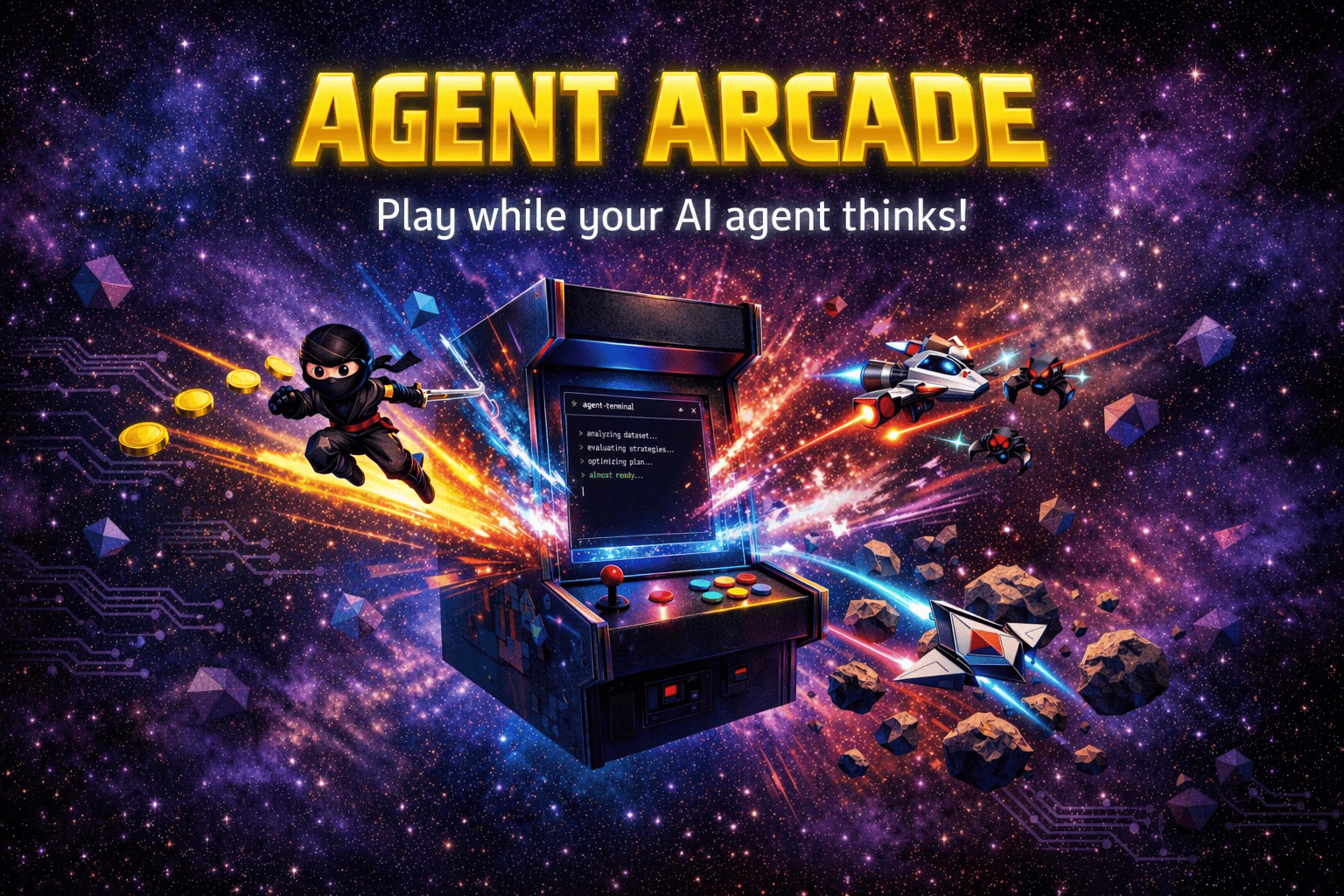
copilot plugin install arcade-canvas@awesome-copilotA GitHub Copilot canvas that opens a retro arcade in the side panel. It serves the built Agent Arcade Phaser frontend and lets either the user or the agent switch between six mini-games.
Games
- Alien Onslaught — Space Invaders-style arcade action with marching aliens, shields, and mystery ships.
- Cosmic Rocks — Asteroids-style vector shooter with thrust physics and splitting asteroids.
- Galaxy Blaster — Galaga-style space shooter with formation enemies, attack patterns, and dual-shot power-up.
- Ninja Runner — Classic platformer with double jumps, power-ups, warp pipes, and enemies.
- Planet Guardian — Defender-style side-scrolling shooter with humanoid rescues and six enemy types.
- Surface Defense — Missile-defense strategy with six cities, three batteries, chain reactions, smart warheads, bombers, and hostile satellites.
Files
extension.mjs— canvas declaration, loopback game server, static asset handling, and agent actions.game/— compiled Phaser game frontend served inside the canvas.assets/— game sprites, sounds, app icon, andpreview.pngfor the extensions gallery.copilot-extension.json— Copilot extension name/version metadata.
Prerequisites
- The GitHub Copilot app canvas / UI-extensions experiment enabled.
Install
Drop this folder at ~/.copilot/extensions/arcade-canvas/ for user scope, or in a repository at .github/extensions/arcade-canvas/ for project scope. Do not install @github/copilot-sdk locally. Copilot provides it through the automatic extension module resolver.
Reload extensions in the GitHub Copilot app, then open the arcade-canvas canvas. The canvas accepts an optional defaultGame input with one of these keys: cosmic-rocks, alien-onslaught, galaxy-blaster, ninja-runner, defender, or surface-defense.
Agent actions
list_games— list available mini-games and the currently selected game.select_game { gameKey }— switch the open arcade canvas to a specific mini-game.restart_game— reload the open arcade canvas to restart the current game.
Development
In the Agent Arcade repository, rebuild the committed canvas bundle after frontend or asset changes:
npm run build:canvas
That command builds the frontend, copies dist/game into game/, copies the required assets into assets/, writes assets/preview.png for the Awesome Copilot gallery, and bundles assets/canvas-background.webp for the canvas-only space backdrop. The canvas package uses compressed M4A copies of WAV effects and removes unused desktop assets so it stays within the 8 MiB project-extension trust limit.
Awesome Copilot sync
The published copy lives in github/awesome-copilot under extensions/arcade-canvas/. After rebuilding this canonical copy:
- Replace the Awesome Copilot
extensions/arcade-canvas/directory with this directory. - Update
plugins/arcade-canvas/plugin.json, including its version and six-game description. - Update
plugins/arcade-canvas/README.md. - Run
npm run plugin:validate,npm run build, andnpm run website:datain the Awesome Copilot repository.
Credits
- Sprite assets: Simple Platformer 16 by JuhoSprite.
- Space shooter assets: Space Shooter Redux by Kenney.nl.
- Galaga-style game mechanics: WesleyEdwards/galaga by Wesley Edwards.
- Asteroids-style game mechanics: phaser3-typescript by digitsensitive.
- Defender-style game mechanics and sound effects: OpenDefender by mkinney.
- Missile-defense gameplay reference: Basic Missile Command HTML and JavaScript Game by straker (CC0 1.0).
- Surface Defense uses original synthesized WAV effects generated by
scripts/generate-surface-defense-audio.mjs; no commercial-game audio is redistributed. - Retro game sound effects: "Retro game sound effects" by Vircon32 (Carra), published at OpenGameArt under CC-BY 4.0.
- Thanks to John Papa for his Alien Onslaught game PR.
- Thanks to Shayne Boyer for the initial PR to get Agent Arcade running in the GitHub App canvas.